


Avaya

Avaya is a recognized innovator and leading global provider of solutions for customer and team engagement. The company provides technologies for unified communications and collaboration, contact center and customer experience management, and networking, along with related services to large enterprises, midmarket companies, small businesses and government organizations around the world. Avaya Engagement Solutions bring people together with the right information at the right time in the right context, helping to enable a higher level of engagement between customers, teams, employees and partners to improve efficiency and quickly address critical business challenges. Designed to be highly scalable, reliable, secure and flexible, these solutions help reduce costs and simplify management while providing a platform for next-generation engagement and collaboration. Furthermore, they are available in a variety of deployment models including public, hybrid and private cloud as well as on a customer’s premises. Avaya offers solutions in three major categories of solutions for better engagement: Team Engagement Solutions; Customer Engagement Solutions; and Fabric Networking. All three are supported by Avaya’s portfolio of professional and support services. For more information, visit our website www.avaya.com
-
07:56 Popular
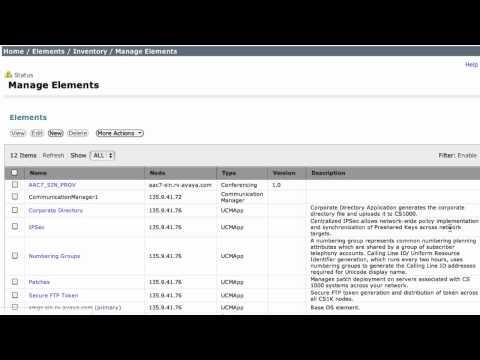
Create Conferencing Elements For Avaya Aura Conferencing 7 In Avaya Aura System Manager 6.2
Added 491 Views / 0 LikesThis video demonstrates the proper method used to create Conferencing elements for Avaya Aura Conferencing 7.x in Avaya Aura System Manager 6.2. These elements are used to enable Single-Sign-On between the two systems and for back-end data push from SMGR
Featured -
03:28 Popular
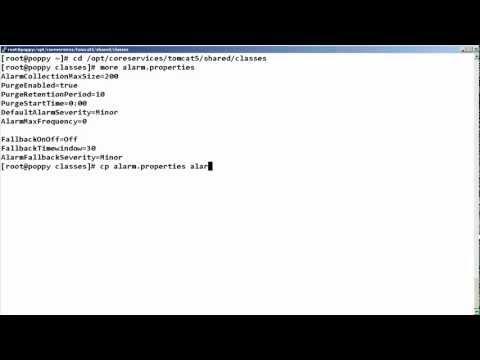
How To Send Critical Avaya IQ 5.2 Component Alarms To SNMP
Added 491 Views / 0 LikesThis video demonstrates how to send critical IQ 5.2 component alarms to SNMP, for a Turnkey Deployment. Produced by Oscar Asuncion.
Featured -
03:03 Popular
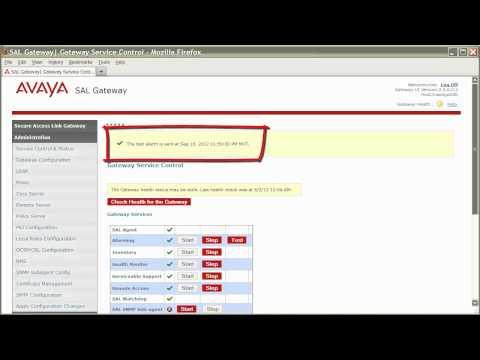
How To Generate A Test Alarm For Avaya Secure Access Link Gateway
Added 490 Views / 0 LikesThis video tutorial will show you how you can generate a test alarm for your SAL Gateway from the gateway user interface. Produced by Steven Daniel.
Featured -
02:59 Popular
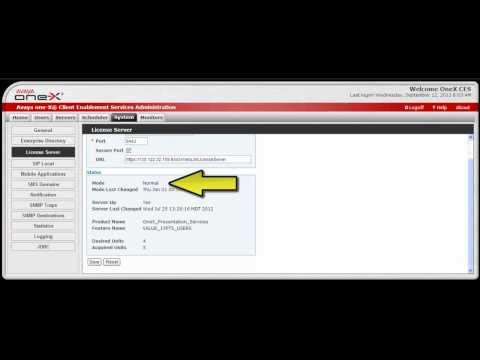
How To Configure The License Server On Avaya One-X Client Enablement Services
Added 490 Views / 0 LikesThis video covers how to configure the WebLM license server on Avaya one-X Client Enablement Services. It also covers the status information provided for the license server. Produced by Bob Kuberski.
Featured -
03:37 Popular
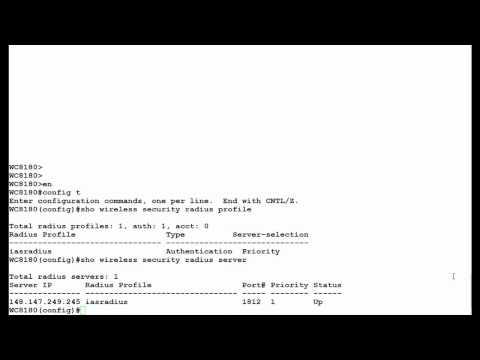
How To Display RADIUS Profile In Avaya WLAN 8100 Wireless Controller From CLI
Added 490 Views / 0 LikesThis Video demonstrates how to Display RADIUS Profile in WLAN 8100 Wireless Controller from CLI. Produced by Swasti Verma.
Featured -
09:43 Popular
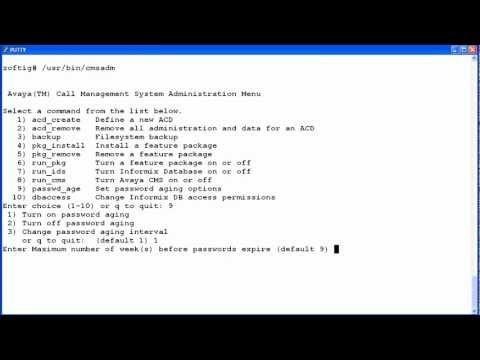
How To Use The Cmsadm Utility To Configure Password Aging On Avaya CMS Solaris Servers
Added 490 Views / 0 LikesThis video demonstrates how to use the cmsadm utility to turn password aging on or off and change the aging interval on Call Management System (CMS) Solaris servers. Produced by Jerri Lee Bandt
Featured -
00:57 Popular
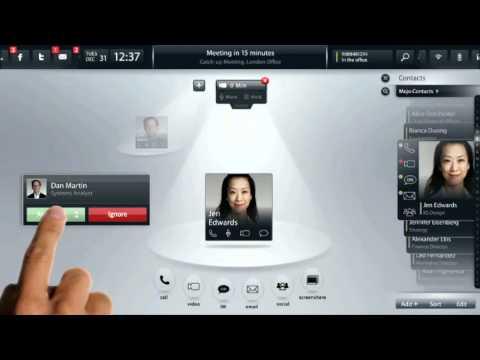
(ES) Voice Call Management With The Avaya Flare™ Experience - Spanish
Added 490 Views / 0 LikesVoice call management with the Avaya Flare™ Experience makes business collaboration easier and smarter than ever. Learn more at http://www.avaya.com.
Featured -
06:02 Popular
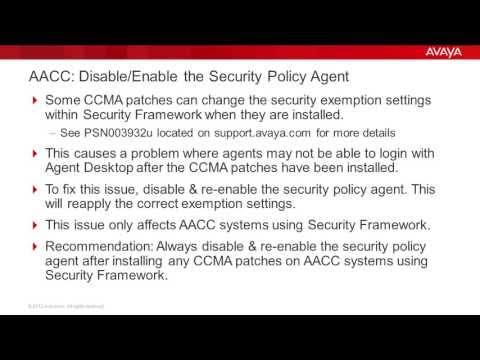
How To Disable/Enable The AACC Security Policy Agent After Installing CCMA Patches
Added 490 Views / 0 LikesThis video will demonstrate how to disable and re-enable the Avaya Aura Contact Center security policy agent after installing any CCMA patches. This is recommended for AACC systems using Security Framework. Produced by Jerri Bandt.
Featured -
03:48 Popular
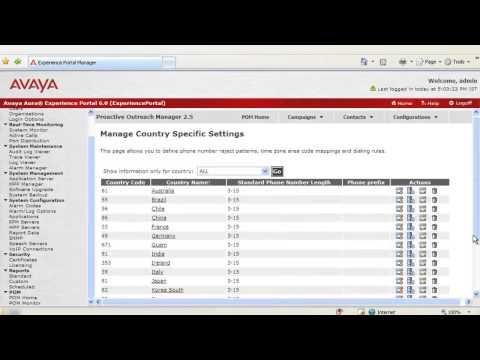
How To Define Dialing Rules For Proactive Outrach Manager 2.5?
Added 490 Views / 0 LikesAs POM uses the dialing rule to convert the standard phone number to a dial format number, this video will help you get more details about how to define them. Produced by Chaudhary Lal, Aprajita (Aprajita)
Featured -
06:12 Popular
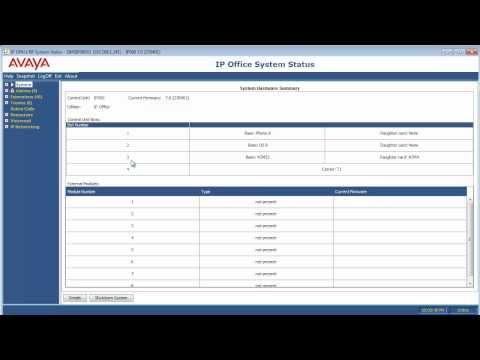
How To Perform A System Snapshot Using SSA On Avaya IP Office And B5800 Branch Gateway
Added 490 Views / 0 LikesHow to Perform System Snapshot Using System Status Application (SSA) on Avaya IP Office and Avaya B5800 Branch Gateway.
Featured -
06:12 Popular
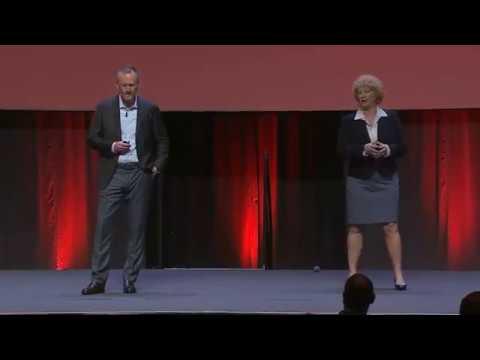
The Final Day Intros With Our Hosts, Jim Geary & Brenda Emerson
Added 490 Views / 0 LikesThe final day of #AvayaENGAGE '18 has arrived. Let's start off the day with our hosts, Jim Geary & Brenda Emerson
Featured -
04:59 Popular
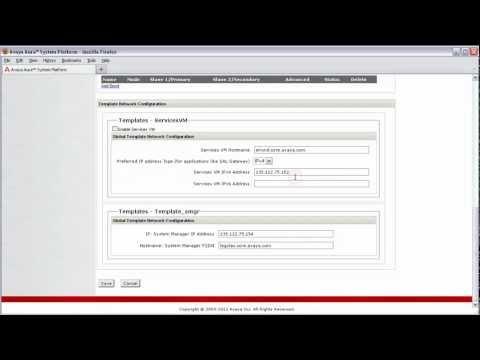
How To Disable Your Avaya System Platform 6.2 Services Virtual Machine
Added 489 Views / 0 LikesThis how-to provides the steps for disabling your Services Virtual Machine on System Platform 6.2 and details why as a system administrator you may want to consider this. Produced by Steven Daniel.
Featured -
04:39 Popular
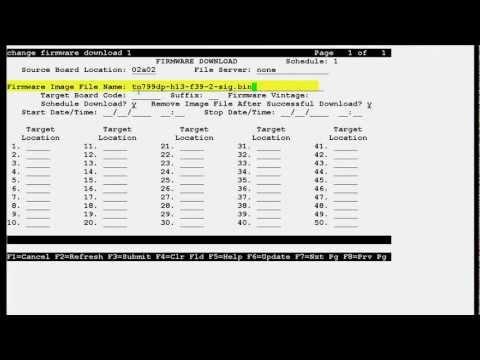
How To Upgrade Avaya CLAN TN799DP Circuit Pack
Added 489 Views / 0 LikesThis video demonstrates how to upgrade CLAN TN799DP Circuit Pack Firmware. Produced by Amit Garg.
Featured -
00:15 Popular

Avaya Government Solutions Marine Corps Marathon Team In Action!
Added 489 Views / 0 LikesMusic by U.S. Marine Corps Band, record at the marathon. #Avaya #Marines #runwiththemarines #MCM14 #Washington #DC #Marathon #Running #missionaccomplished #marinecorpsmarathon #marathoners
Featured -
01:35 Popular

Contact Centers Test The Value Of Voice
Added 489 Views / 0 LikesAvaya Thought Leaders George Humphrey and Christian Goffi share their perspectives on how the value of voice is still valued within Contact Centers and the implications of that for IT leaders. This is discussed as one segment of the complete content from
Featured -
03:02 Popular
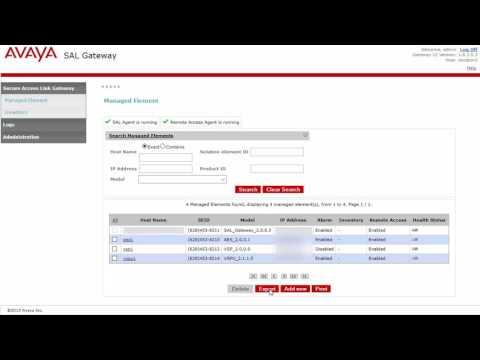
How To Retire An Avaya SAL Gateway On System Platform (VSALGW)
Added 489 Views / 0 LikesThis video shows how to properly retire an Avaya SAL Gateway running on System Platform, also known as a VSALGW. This includes how to properly remove managed elements and then disable the Services VM. Produced by: Carl Knerr
Featured -
01:06 Popular

Avaya VIP Screening
Added 488 Views / 0 LikesAvaya VIP Screening lets only your most important calls through, so you can focus on your most important tasks. Even control where your calls get sent, based on the time of day. One list, all your devices. Learn more at http://www.avaya.com.
Featured -
09:27 Popular
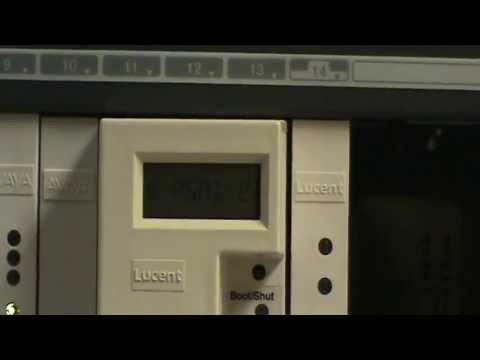
How To Restart The Avaya Multi-Application Platform For Definity (MAPD)
Added 488 Views / 0 LikesHow to Restart MAPD. This video covers how to perform a Software Restart as well as a Hardware Restart of the Avaya Multi-Application Platform for Definity (MAPD).
Featured -
03:46 Popular
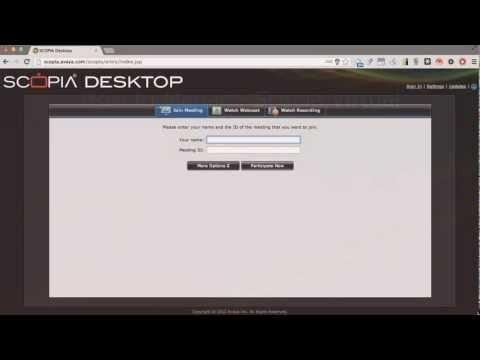
How To Manage Scopia Virtual Room Settings Through The Scopia Desktop Web Portal
Added 488 Views / 0 LikesThis video demonstrates how to access and manage your Scopia Desktop Virtual Room settings via the Scopia Desktop Web Portal. Produced by Russell Singer.
Featured -
03:27 Popular
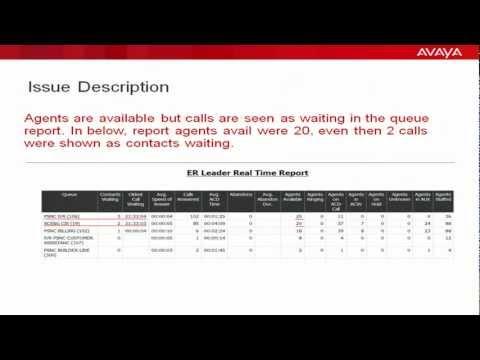
Logs Needed To Troubleshoot Stuck Calls Issue In IQ Real Time Reports
Added 488 Views / 0 LikesAgents are available but calls are seen as waiting in the queue report. Produced by Tosif Shaikh.
Featured